One Template Designer. Two ways to work.
Template Designer for Windows
A desktop Word add-in for teams that create and maintain templates in Microsoft Word on Windows.
For teams authoring templates in the Windows desktop version of Microsoft Word.
Template Designer for Microsoft 365
A browser-based experience for teams that work with Microsoft Word and Microsoft 365 environments.
For teams working with Word in browser-based Microsoft 365 environments.
From Word template to business document
01
Design the template
Create the document layout with familiar Microsoft Word tools.
02
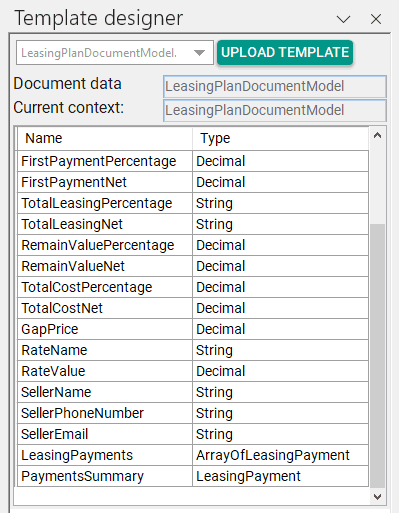
Connect business data
Bind content, repeating sections, and conditions to application data.
03
Generate the document
Applications select the template and generate DOCX or PDF output.
Selected capabilities
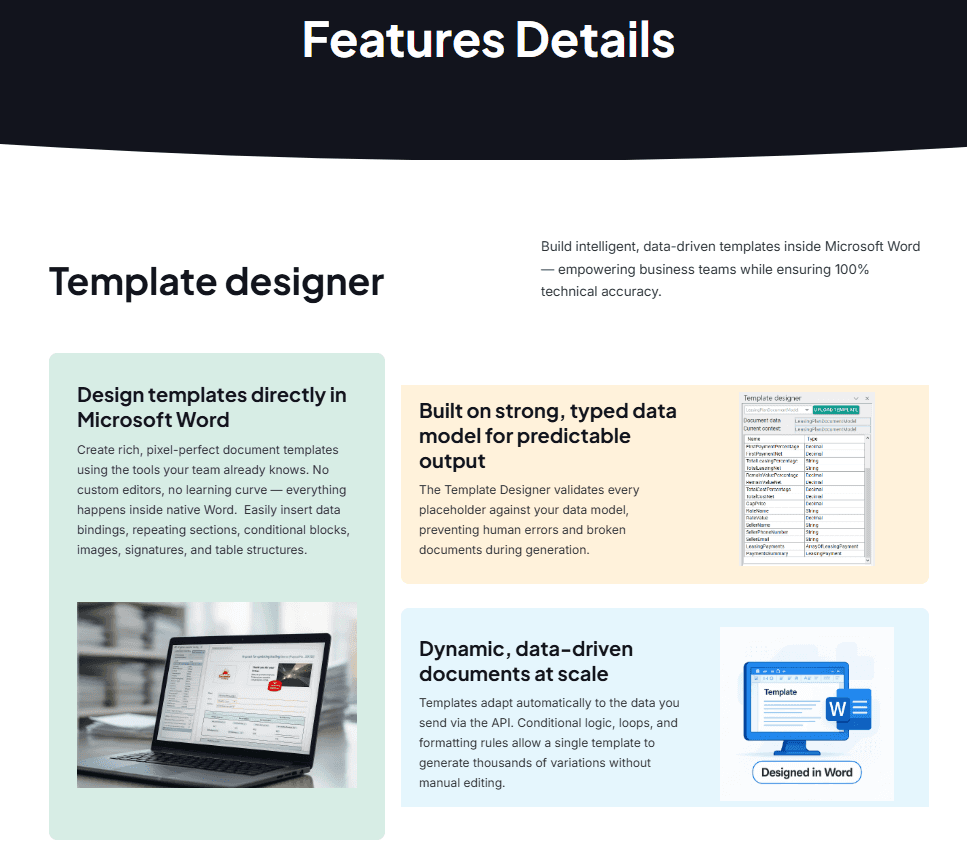
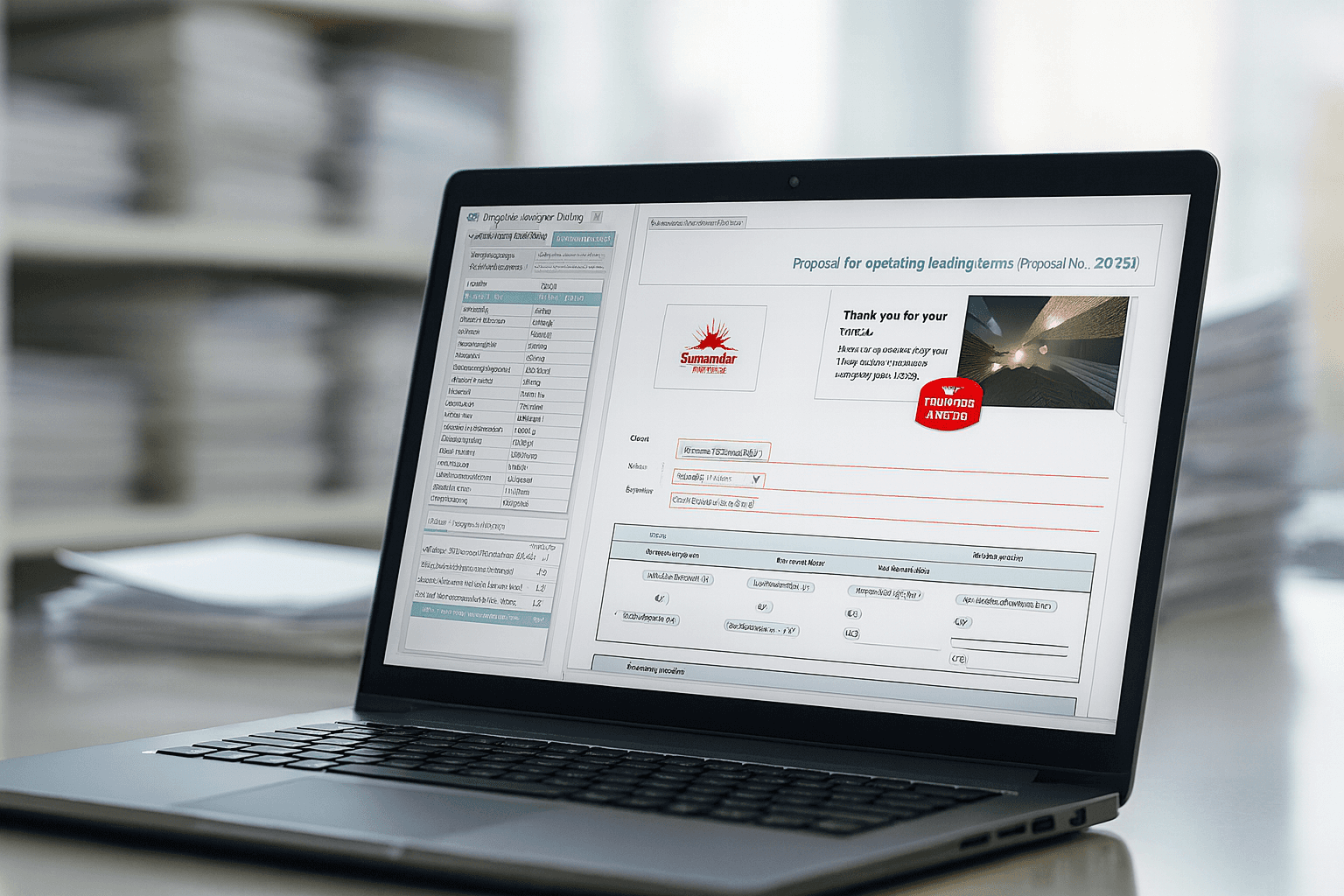
Word-based template authoring
Create and maintain templates using familiar Microsoft Word tools.
Data binding
Connect document content to structured business data.
Repeating content
Build tables, lists, line items, and repeated sections from collections.
Conditional content
Show or hide sections based on business data and rules.
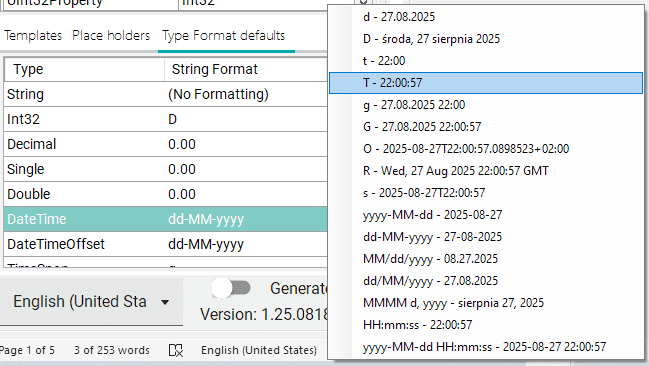
Formatting and culture
Control dates, numbers, currencies, and localized presentation.
Reusable templates
Maintain consistent layouts across departments and processes.
Validation and predictable output
Detect template or data issues before documents are generated.
Collaboration and governance
Support controlled ownership, review, versions, and publishing.
One approach, many business documents
Create templates for invoices, contracts, reports, customer communications, and forms. Keep presentation consistent while business data changes from document to document.
Govern templates across their lifecycle
Give business teams clear ownership of document templates. Support controlled review, versions, and publishing while maintaining consistent layouts across departments and processes.